Draft cards, smarter question cards, and a notch that stays out of your way
Drafts look like where they go, question cards take your own words, and Juno uses the card you name at checkout.
Thursday at 2 works well.
Sam
Drafts look like where they are going
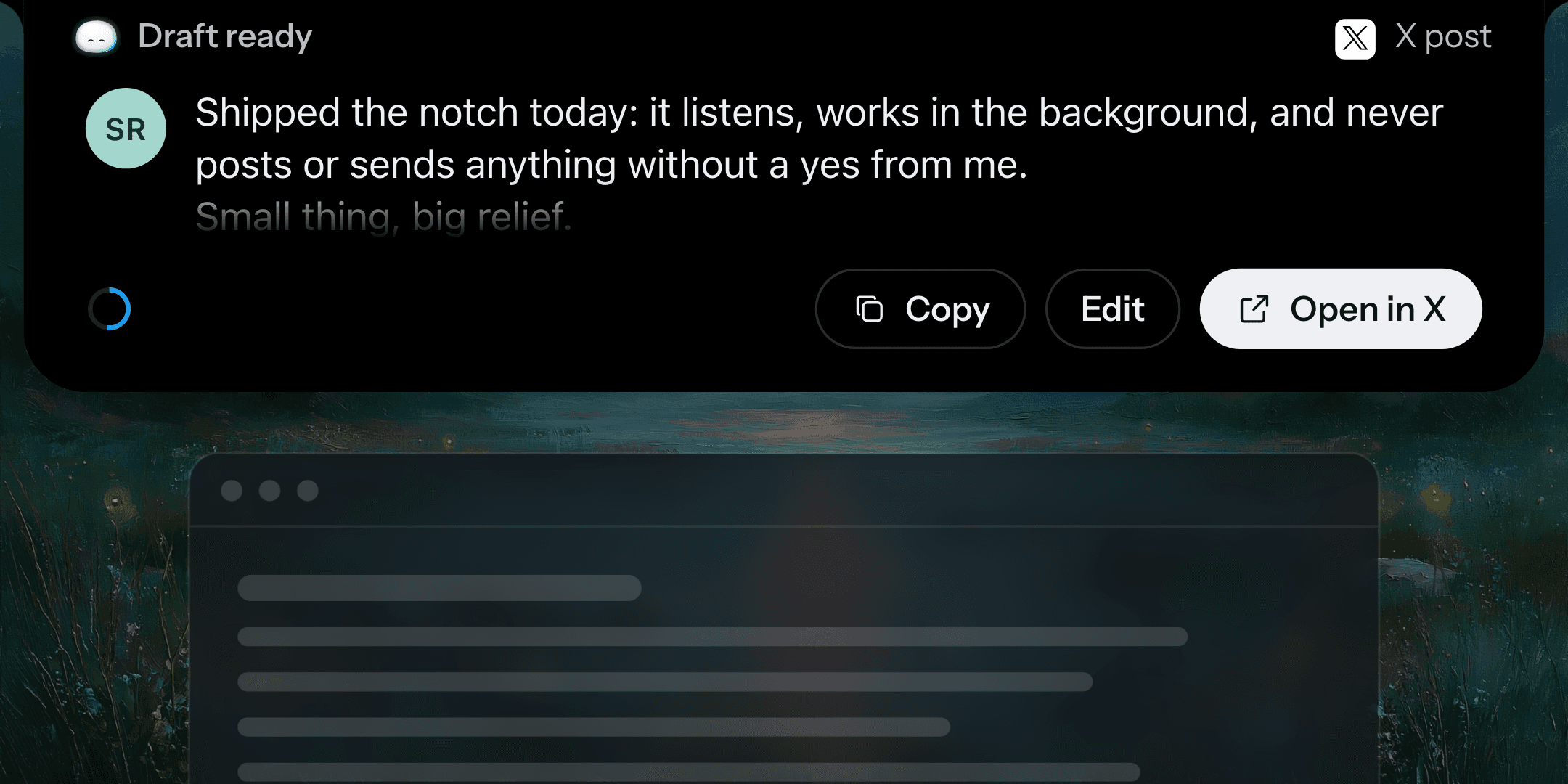
ask for an X, LinkedIn or Reddit post, or a Gmail or Outlook email, and it shows drawn like that site's own composer, in the chat and on the notch, with Copy, Edit and Open in the site.
MoreLess
Sending or posting still waits for your yes.
1 to answer, 1 suggested
1 to answer, 1 suggested
Question cards take your own words
a text box and a microphone on the notch and in the chat.
MoreLess
A form's questions come as one card with a row per field (yes or no, pick one, pick any, a date), and Juno never invents a combined choice.
Checkout, on Amazon and elsewhere
Juno pays with the card you name, offers your cards saved in Juno when it is not sure, and the Buy card turns amber when the card paying is not the one you asked for.
Answers read better
the answer comes first, facts as a clean list instead of a two-column table, links as rows, options as side-by-side cards, steps and schedules as a track, and a real table only for real data (it scrolls in a narrow window instead of crushing).
Also new
open a file Juno made or you gave it and ask for a change, highlight words to rewrite just those, fix a word yourself, go back to any version, and for a longer document approve an outline before Juno writes.
each answer you gave sits under the question it answered, followed by what Juno did next, and a message you send while it works shows once.
Fixes and small things: show 11 more
- The microphone stays in the composer while you type, so you can switch to talking midway; what you say goes in at the cursor. The model and its effort are now one control.
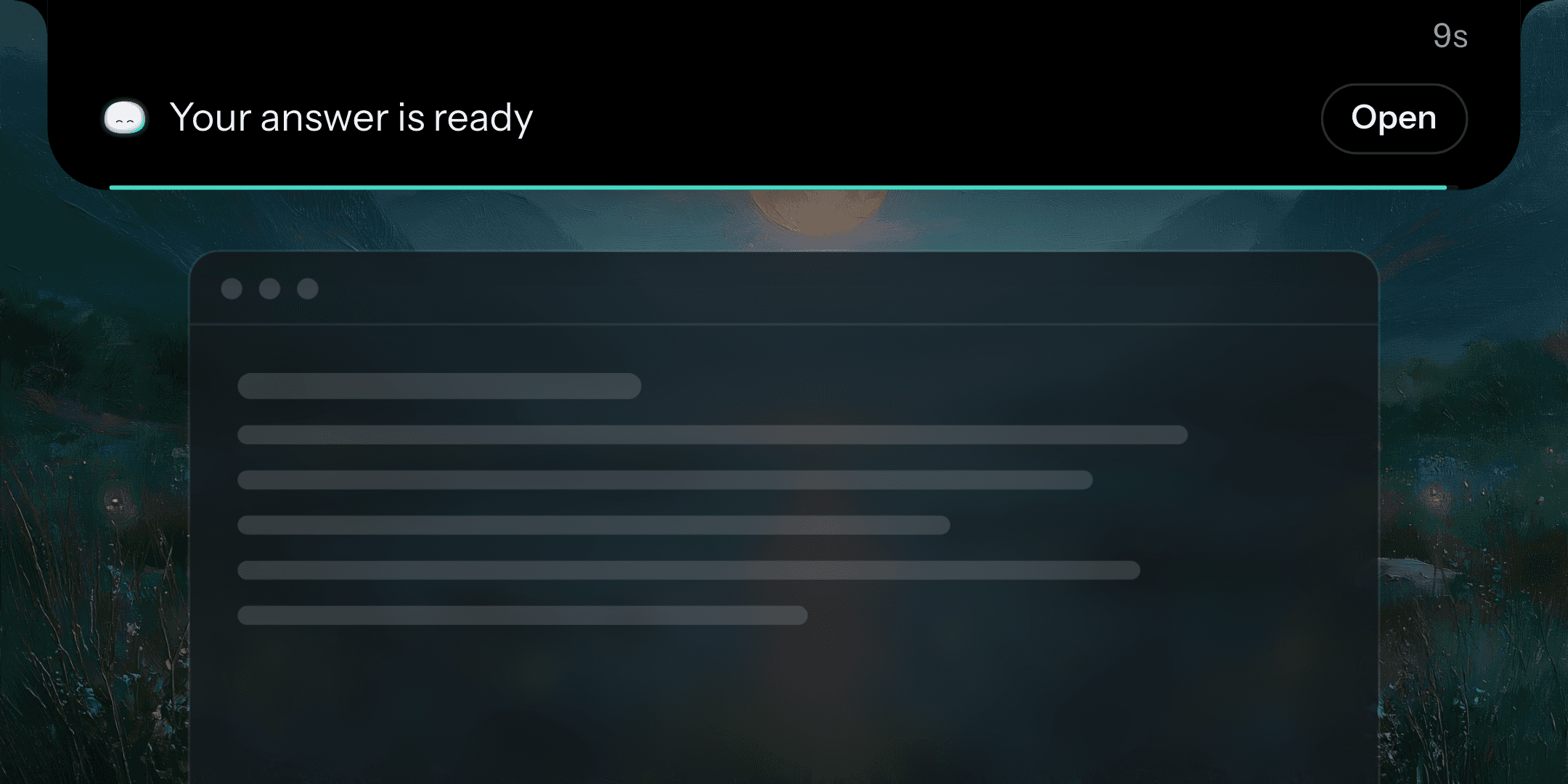
- The notch is one calm row, short answers show right on it, it stays closed while Juno's own window is in front, and "Hey Juno" within 5 minutes continues the same voice chat.
- Long voice requests are no longer cut off after about 20 seconds.
- Juno knows the date, time and your time zone in every answer.
- New agents act on their own by default, after your yes on their setup; you can still choose "Asks you first".
- A floating What's new card on Home after each update, with the release notes kept in Settings.
- The address bar shows Juno's mark, and the bookmark star is back.
- The chat uses Apple's system font, SF Pro.
- The planned screen-selection feature is now called Halo. It is not built yet, and Settings and onboarding now say plainly that Juno looks at your screen only in a task you start or ask for.
- Fixes: "Partly done" no longer appears for a step you did not ask for, Juno uses its sub-agents when you ask for them (for example to review a folder), and the voice log no longer keeps the words you said.
- Juno now needs macOS 14 or later.
Not in this beta
Connected Gmail and Calendar accounts through Composio, web search through Parallel, and Home background photos are not included.